Run check-in from the event dashboard on any device with a camera. Open the event from Organizer → Events — there is no separate check-in app.
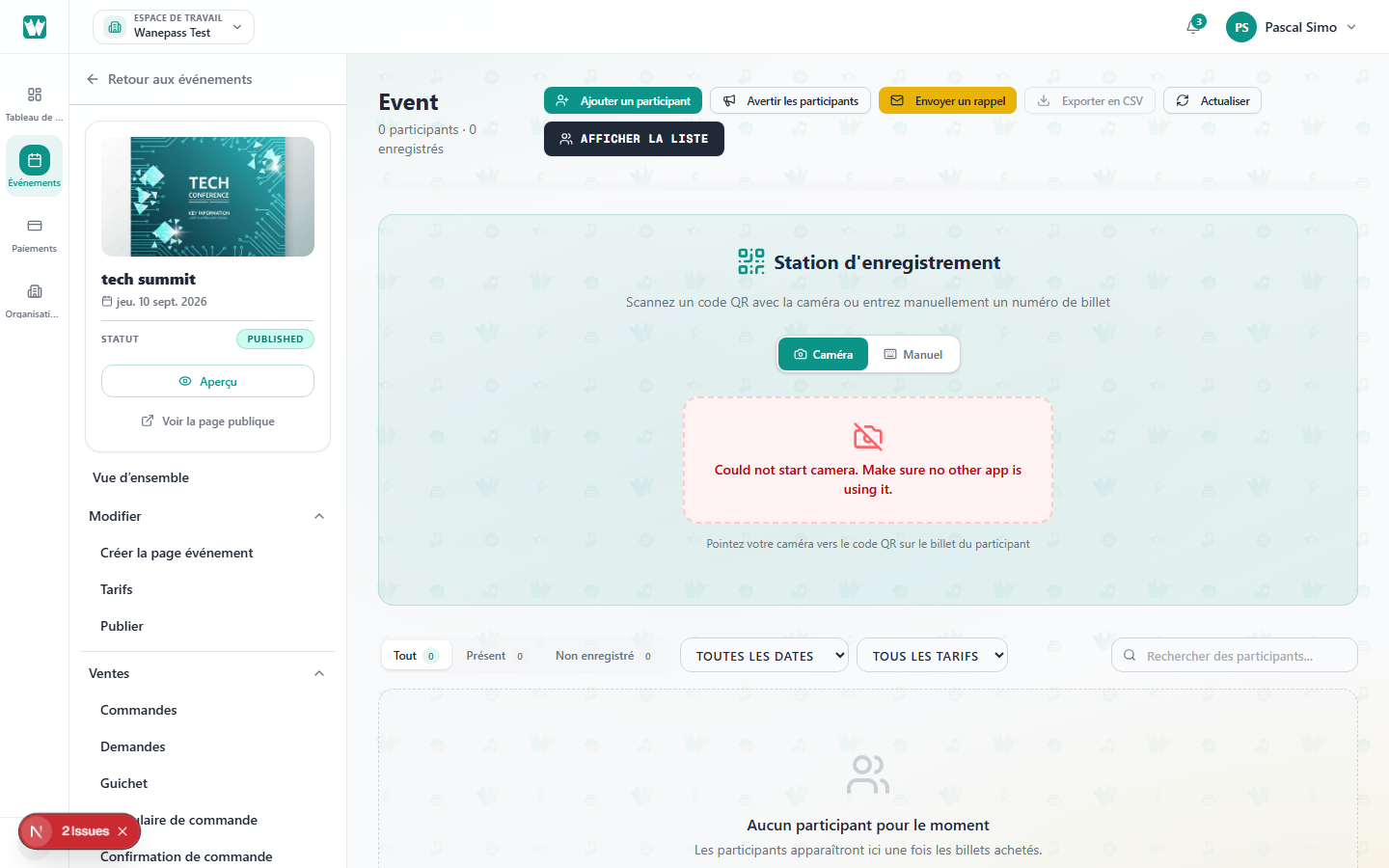
Start scanning
- On that event’s dashboard, open Attendees.
- Switch to Check-in mode (or use the Check-in nav item).
- Allow camera access when prompted.
- Point at the guest's QR code.
Successful scan
You hear or see confirmation and the guest list updates to Checked in.
Tips for event day
- Use good lighting and hold the phone steady.
- Increase screen brightness on guest phones.
- Keep a charger handy — camera use drains battery.
- If a QR will not scan, look the guest up by name. See Manual check-in.
- A checked-in ticket cannot be transferred. See Transferring a ticket.
