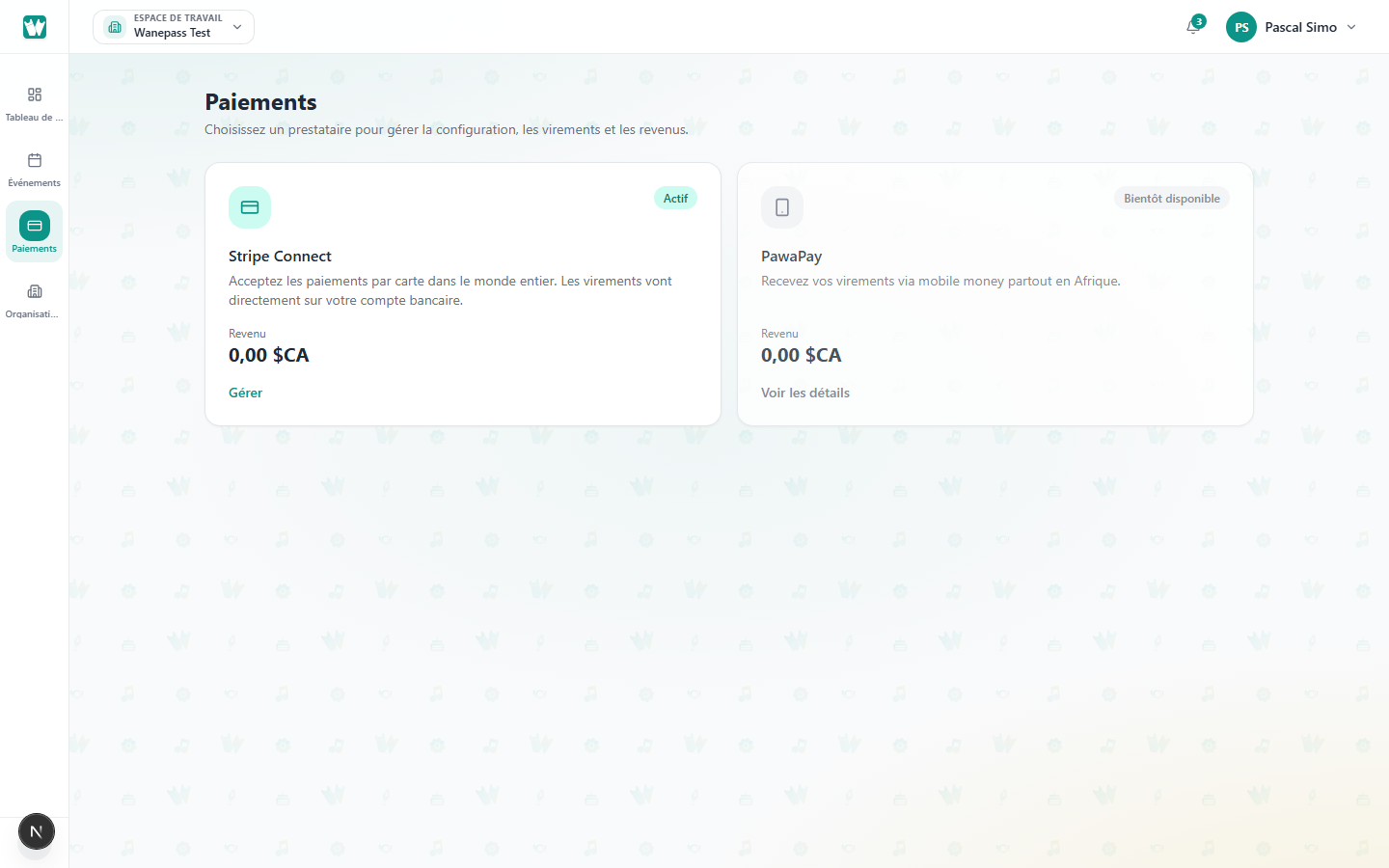
The Organizer → Payments page lists all transactions across your events.
What you see
- Buyer name and event title
- Payment method (card, bank transfer, free)
- Amount and status: completed, pending, failed, refunded
Filter and search
Use the search box to find a buyer, event, or transaction ID quickly.
Revenue totals include completed payments only.
