Add teammates to share event management work.
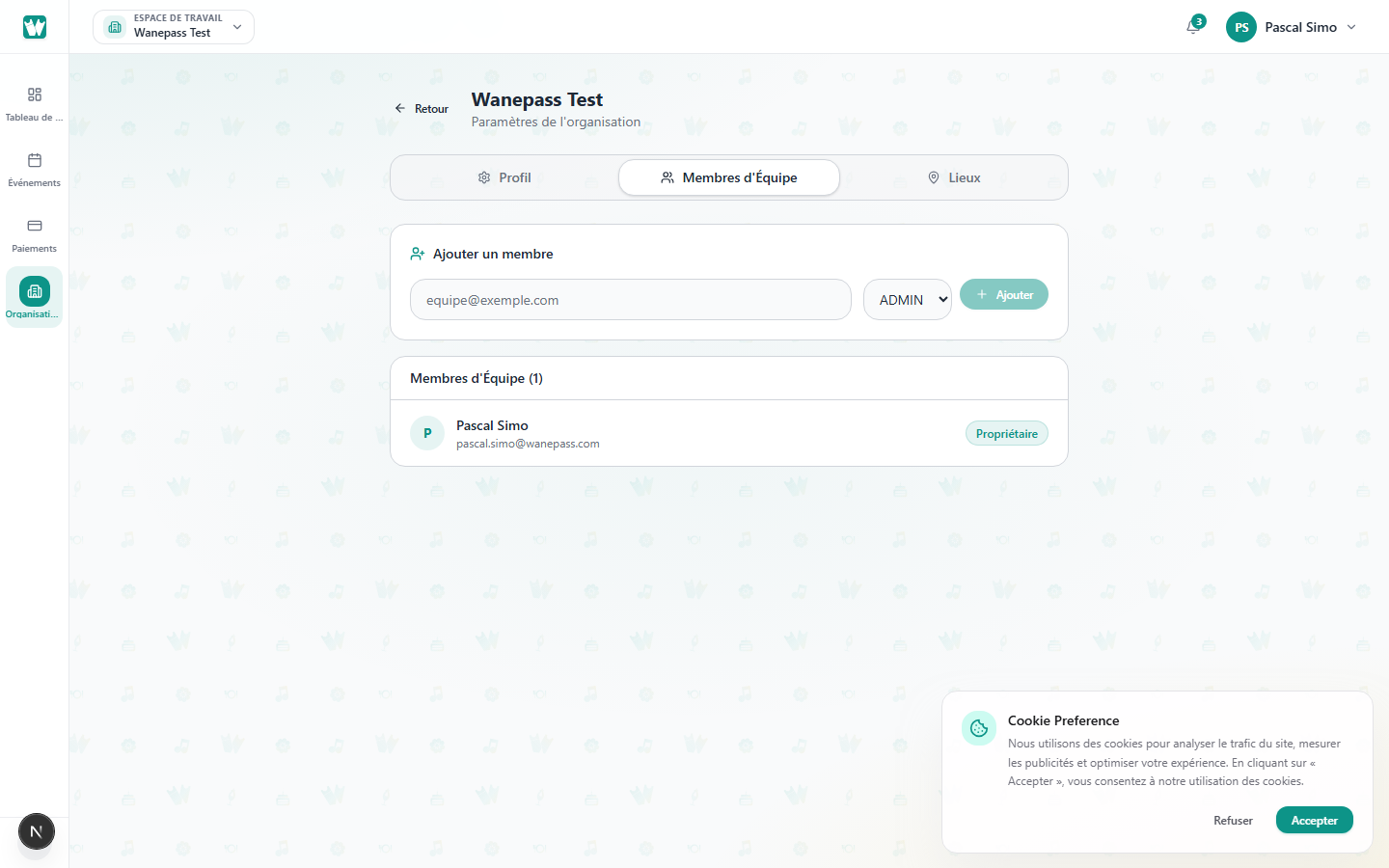
Invite a member
- Go to Organizer → Settings → Organizations → [org] → Members.
- Enter their email and choose a role (for example Admin).
- Send the invite. They must accept from their Wanepass account.
Roles
Owner and Admin members can manage events, attendees, and settings for that organization. Those roles also receive new registration and feedback alerts. Other team roles do not get those org-wide alerts.
Remove members anytime from the same tab.
