To host events on Wanepass, you need a user account and an organization.
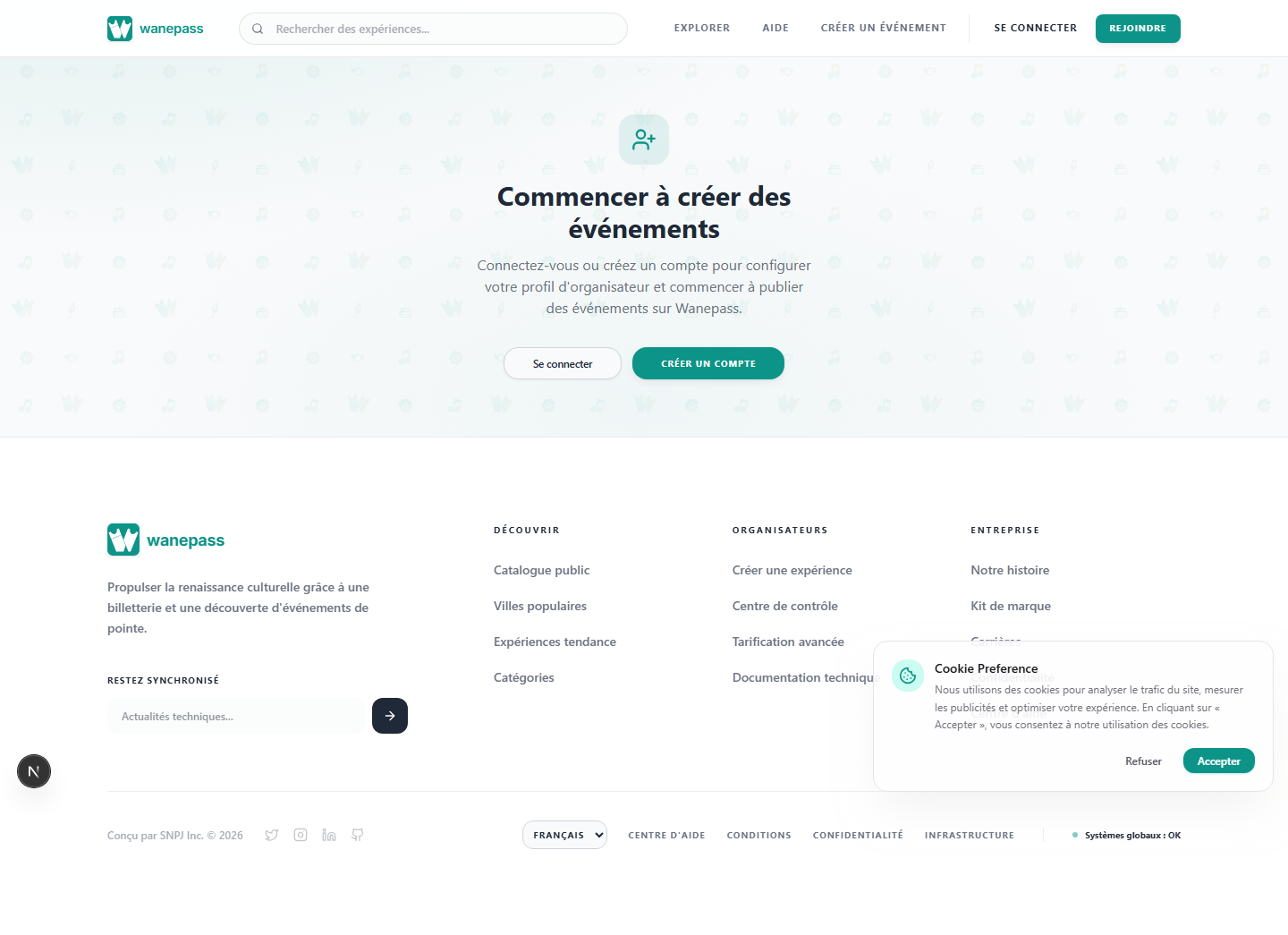
Step 1: Create your account
- Go to Register or Sign in if you already have an account.
- Complete your profile with your name and email.
Step 2: Set up your organization
- Open Organizer onboarding.
- Enter your organization name, description, and contact details.
- Submit the form. You will land on your organizer dashboard.
What happens next
After onboarding, you can create your first event from the dashboard. Your organization page is public at /org/your-slug once you publish events.
